

How to properly arrange a package return to US stores
How to return an item to a US store
You can arrange a return for packages you ordered yourself from US stores. Stores often offer free returns for items that didn't work out. To make the return free — just download the return label (the sticker for the box) from the website of the store where you ordered the item.
A label is a sticker for the box, prepaid by the store where you made your purchase. It contains sender and recipient details, codes, and tracking information.
How to arrange a return:
1. Download the label from the store's website.
Correct return labels look like this:
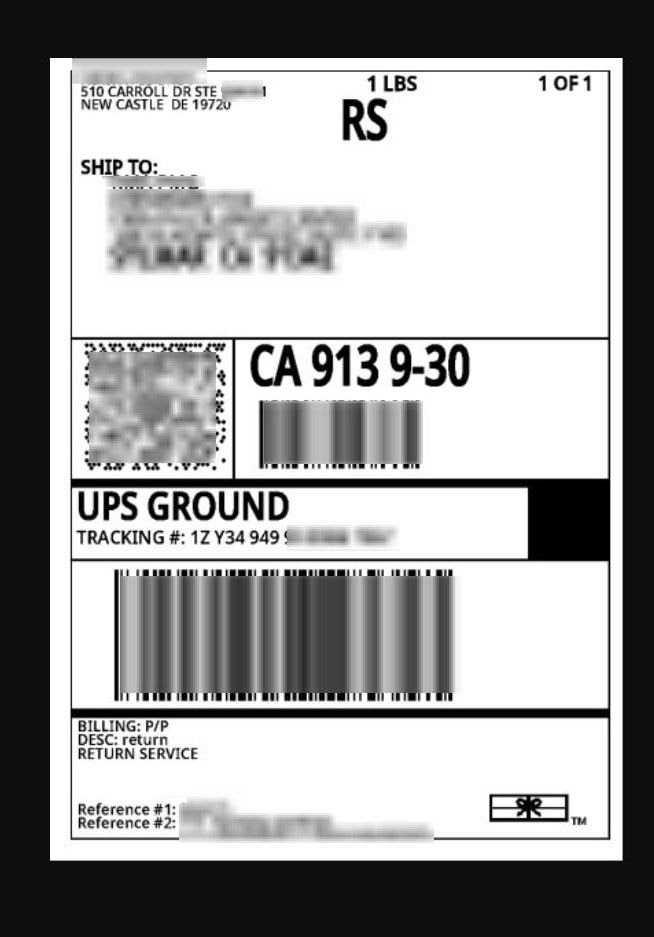
2. Upload it to your personal account.
3. Do not upload QR codes, screenshots, or just the address — the warehouse won't be able to use them for the return.
Make sure it's a correct file, not:
- QR codes
- Barcodes or screenshots of the return address
This won't work:
QR codes
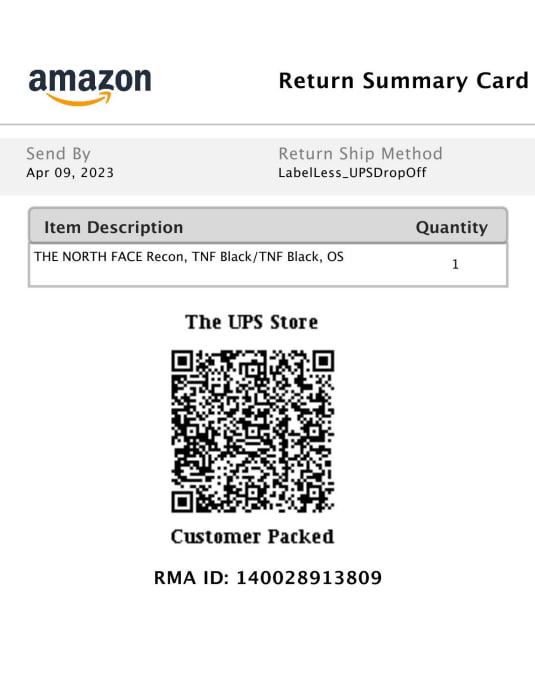
Barcodes or screenshots of the return address
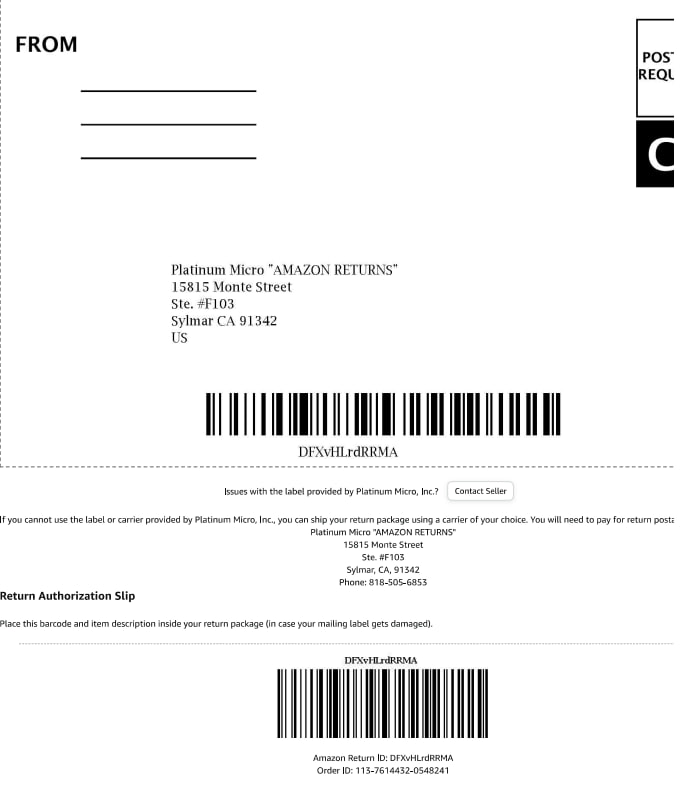
Free shipping is only possible with a correct return label.
What if there's no label?
If such details aren't available — we can generate a label ourselves, but for this you need to request the return address, email, and phone number from the store.
In this case, shipping is paid separately, and a standard warehouse handling fee is added.