

How to register on Mr. Rebates
About Mr. Rebates
What is Mr. Rebates? It is one of the most popular and large-scale cashback resources, helping you get back a certain percentage from orders placed on pages of popular online marketplaces. It's worth noting that when placing orders through the Mr. Rebates cashback service, discounts or coupons from the stores themselves do not expire, they are also applied during the order, which means savings become even more substantial!

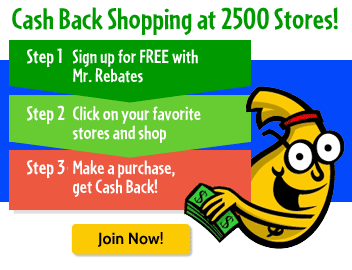
Over 2500 stores are available for customers to choose from, where you can get an additional discount in the form of cashback of up to 20% of the order amount, and there is also the opportunity to use discount coupons and codes - Mr. Rebates offers several types of discounts, and this is primarily beneficial for the buyer! The terms for providing the discount need to be checked for each specific store, but first of all - you need to register on Mr. Rebates, and we will tell you how to do this later in the article.
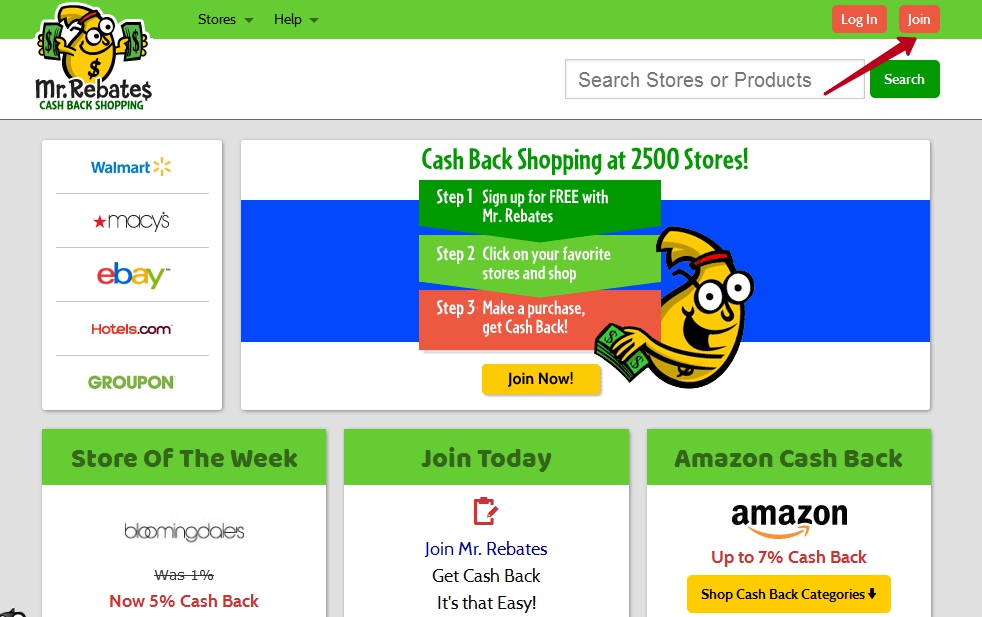
To register on Mr. Rebates you need to click the Join button in the upper right corner.
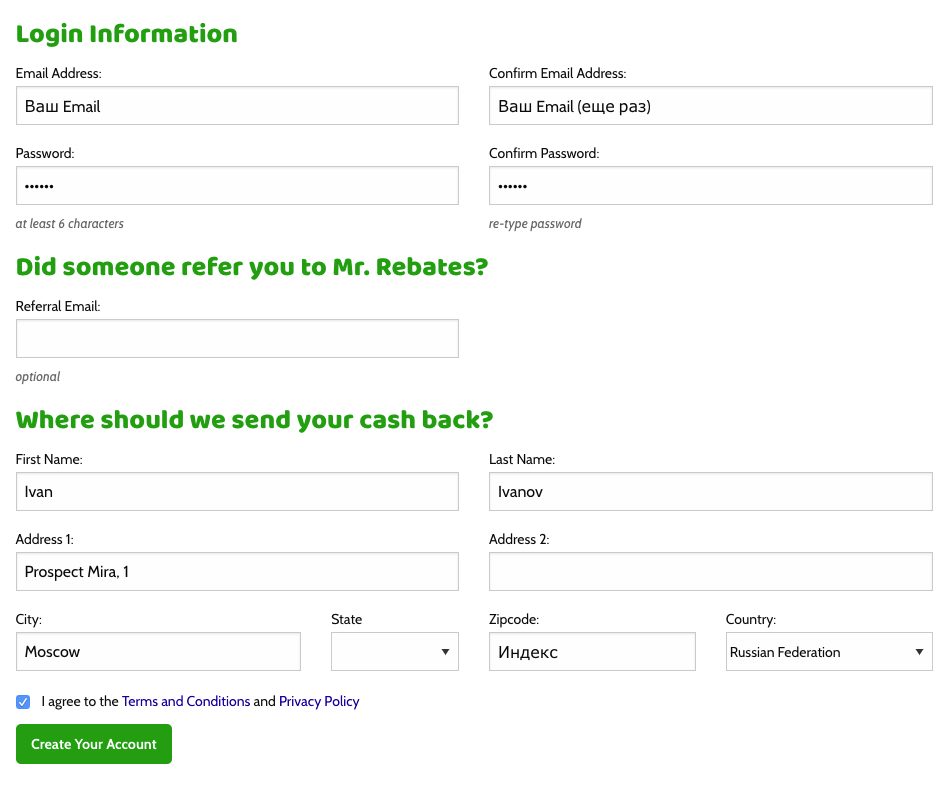
After that, the page will automatically be redirected to the registration form, by filling out which you will get a personal account on the Mr. Rebates site. The first step is filling in the account data that will be used for authorization on the site. Be sure to provide your personal and working email, as a letter from Mr. Rebates with registration confirmation will come to it.
The second step of filling out is the address to which the check with rebates, i.e. money returned from purchases, will actually be sent. It must be filled out in Latin letters, after which you click the Create Your Account button.
The field Did someone refer you to Mr. Rebates? is filled in only if you are registering by invitation, if not - this field can be left blank.
And then you can proceed directly to placing orders through the Mr. Rebatess cashback system.
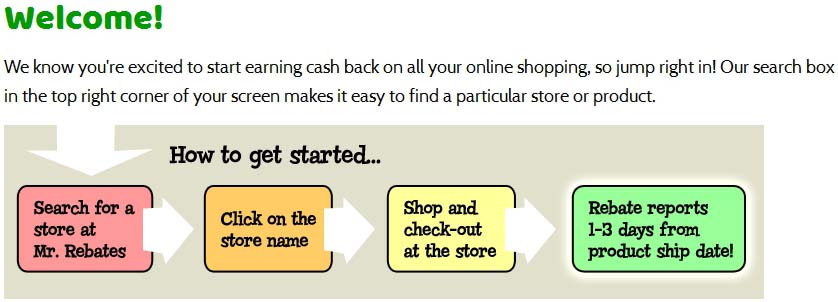
The site's interface is quite simple and minimalistic, which only makes using the site easier. At the top are the main buttons for managing and working with Mr. Rebates, from left to right: stores (you can view both all and by category), personal account management, help. In the right corner is a search window, by entering the name of the store into which you can immediately and quickly go to direct order placement.
As an example, let's take the beloved eBay store - placing an order with cashback on eBay is simple: we look for it in the list, and go to the page describing the terms of the promotions:
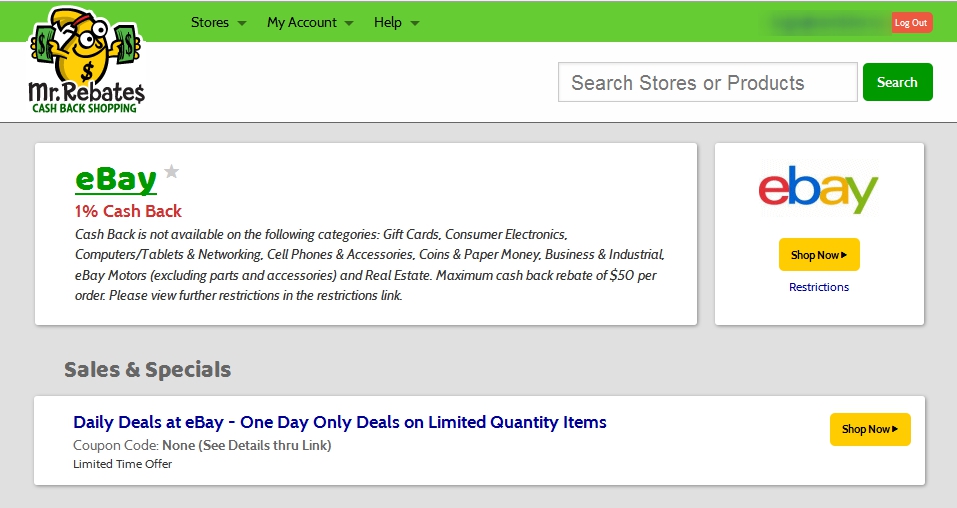
As you can see, Mr. Rebates cashback offers two types of discounts and offers for eBay: 1% cashback, or a limited-time promotional offer - links to one-day offers with the most advantageous prices. Having selected what you need (for example, Cash Back) - click the clickable button on the right, and are automatically redirected to the eBay page. After paying for the purchase there, we wait for the funds to be credited to the Mr. Rebates cashback balance.
The principle of placing orders is similar for all other stores.
Very important! The last page open before paying for the order in the store should be precisely the Mr. Rebates site, if during the order placement or product selection process you were distracted by viewing third-party resources, it is better to close all tabs and go to the store to pay for the order again through the Mr. Rebates resource.